Learn how to set the email preferences for your team account.
Overview
Email preferences allow you to set the default settings when emailing documents to your recipients.
Preferences
Email preferences can be set on either the organisation or team level.
By default, teams inherit the preferences from the organisation. You can override these preferences on the team level at any time.
To access the preferences, navigate to either the organisation or teams settings page and click the Email tab under the Preferences section.
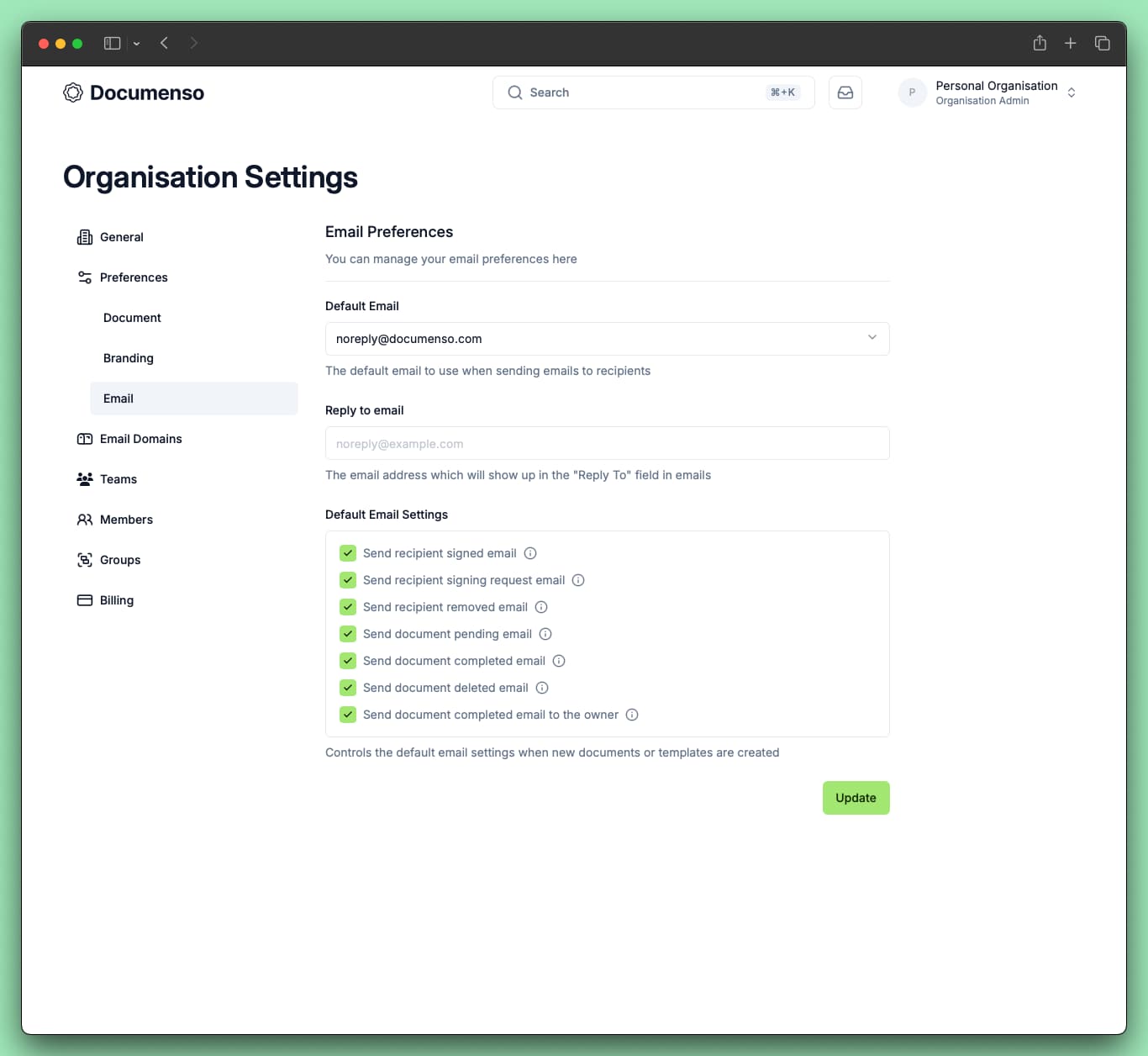
| Setting | Description |
|---|---|
| Default Email | The sender email address used when sending documents. Requires a verified email domain. Teams can inherit from the organisation or select their own. |
| Reply to email | Email address used in the "Reply To" field in outgoing emails. Leave blank to inherit from the organisation. |
| Default Email Settings | Controls which emails are sent to recipients during document signing (e.g. signing invitations, completion notifications). Teams can inherit from the organisation or override with custom settings. |
See Also
- Email Domains - Send emails from your own domain
- Document Preferences - Configure other document defaults
- Send Documents - Customize emails when sending documents