Overview
Organisations are the top-level entity in Documenso, containing teams, members, and shared settings.
What are Organisations?
Organisations are the top-level entity in Documenso's hierarchy. Each organisation can contain multiple teams, and each team can have multiple members.
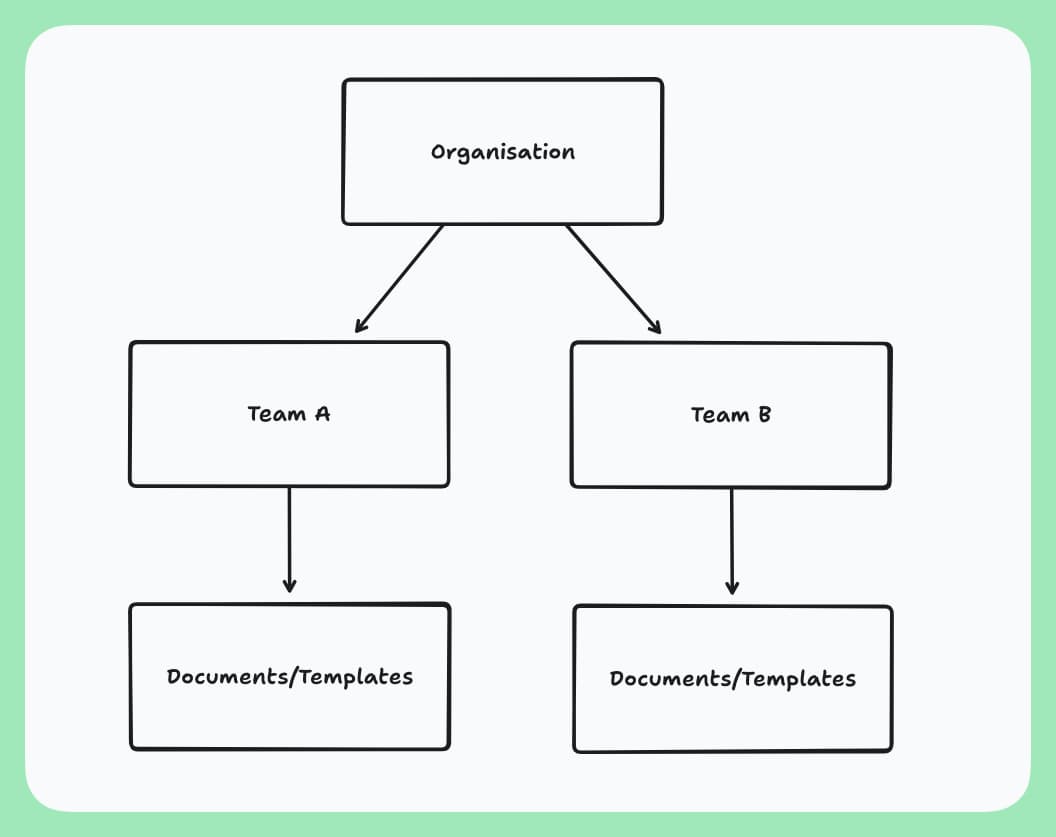
This structure provides:
| Benefit | Description |
|---|---|
| Centralized Management | Control multiple teams from a single organisational dashboard. |
| Unified Billing | Manage billing and subscriptions at the organisation level. |
| Access Control | Define roles and groups across the entire organisation. |
| Group Management | Create custom groups to organise members and control team access. |
| Global Settings | Apply consistent settings across all teams in your organisation. |
Create a New Organisation
You can create multiple organisations, but each organisation is billed separately.
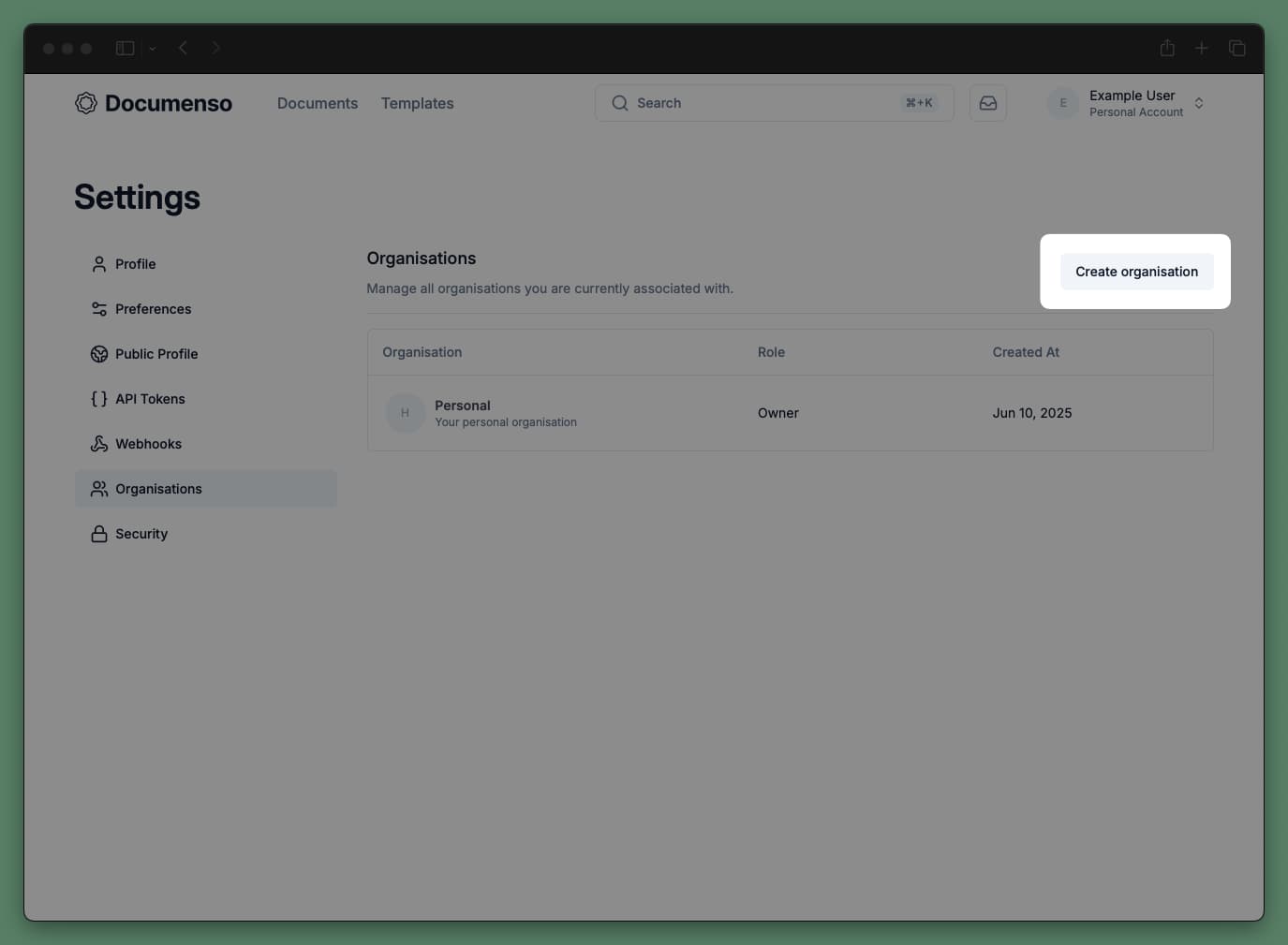
Select your plan
Choose a plan for your new organisation. If you want to upgrade an existing organisation, go to your organisation's billing settings.
Name your organisation
Enter an Organisation Name as the display name for your organisation.
Once created, you can create teams to organise your work. Each team operates independently but inherits organisation-level settings and branding.
Organisation vs Team Settings
Teams inherit settings from their parent organisation by default. You can override these at the team level:
| Setting | Organisation Level | Team Level |
|---|---|---|
| Branding | Sets default for all teams | Can override or inherit |
| Document Preferences | Sets default for all teams | Can override or inherit |
| Email Preferences | Sets default for all teams | Can override or inherit |
| Document Visibility | Sets default for all teams | Can override or inherit |
| Billing | Managed centrally | Not applicable |
| SSO | Configured centrally | Not applicable |
| Members | Managed at org level | Assigned per team |
Best Practices
See Also
- Create a Team - Set up a team within your organisation
- Team Members - Manage member roles at the organisation and team level
- Groups - Organise members into groups for bulk team access
- Billing - Manage organisation billing and subscriptions
- Document Preferences - Configure default document settings