Public Profile
Configure your public profile and link templates for others to discover.
Your public profile allows others to view your information and access templates you share publicly. Your profile is accessible at:
https://app.documenso.com/p/<your-username>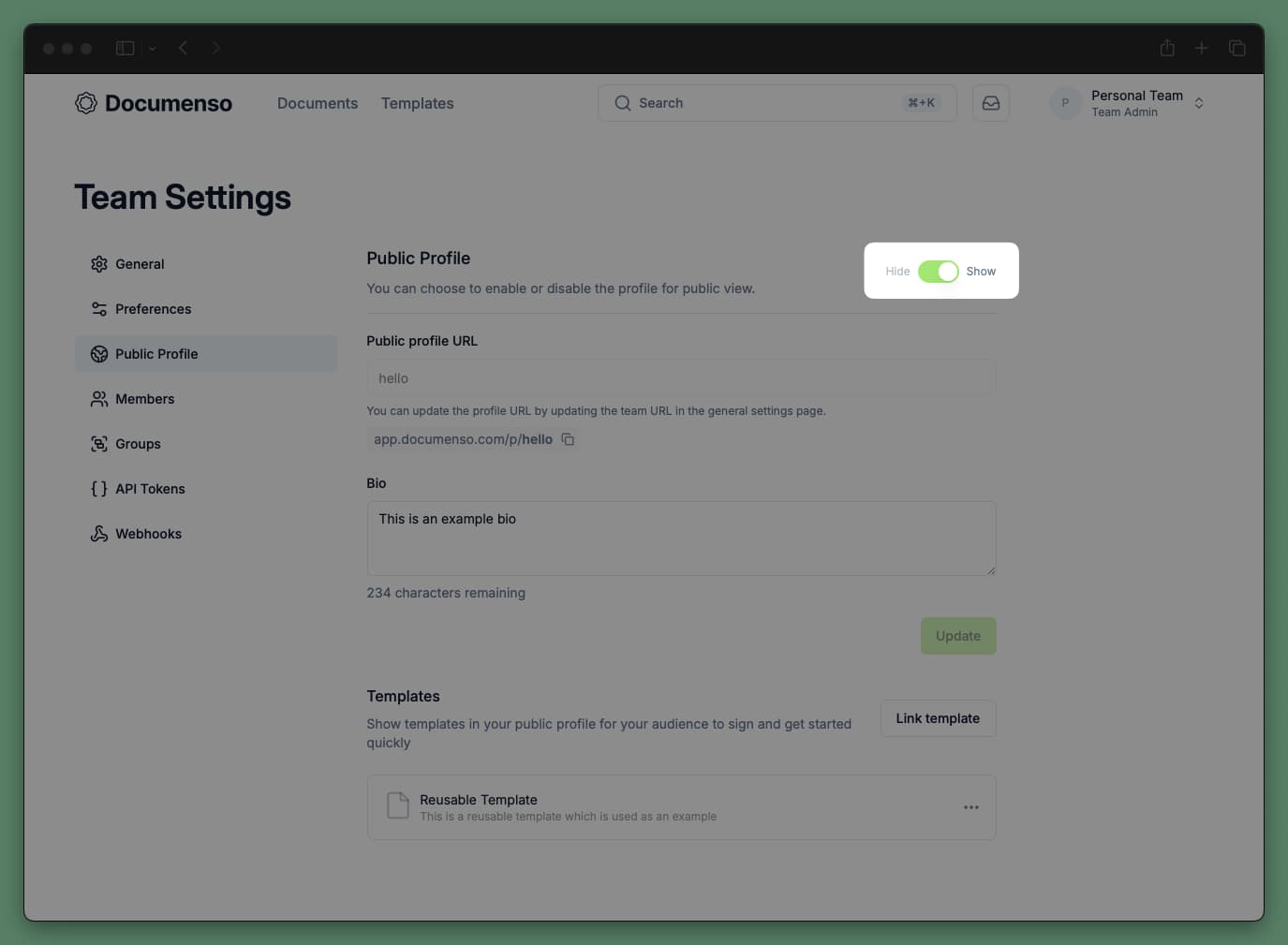
Configure Your Public Profile
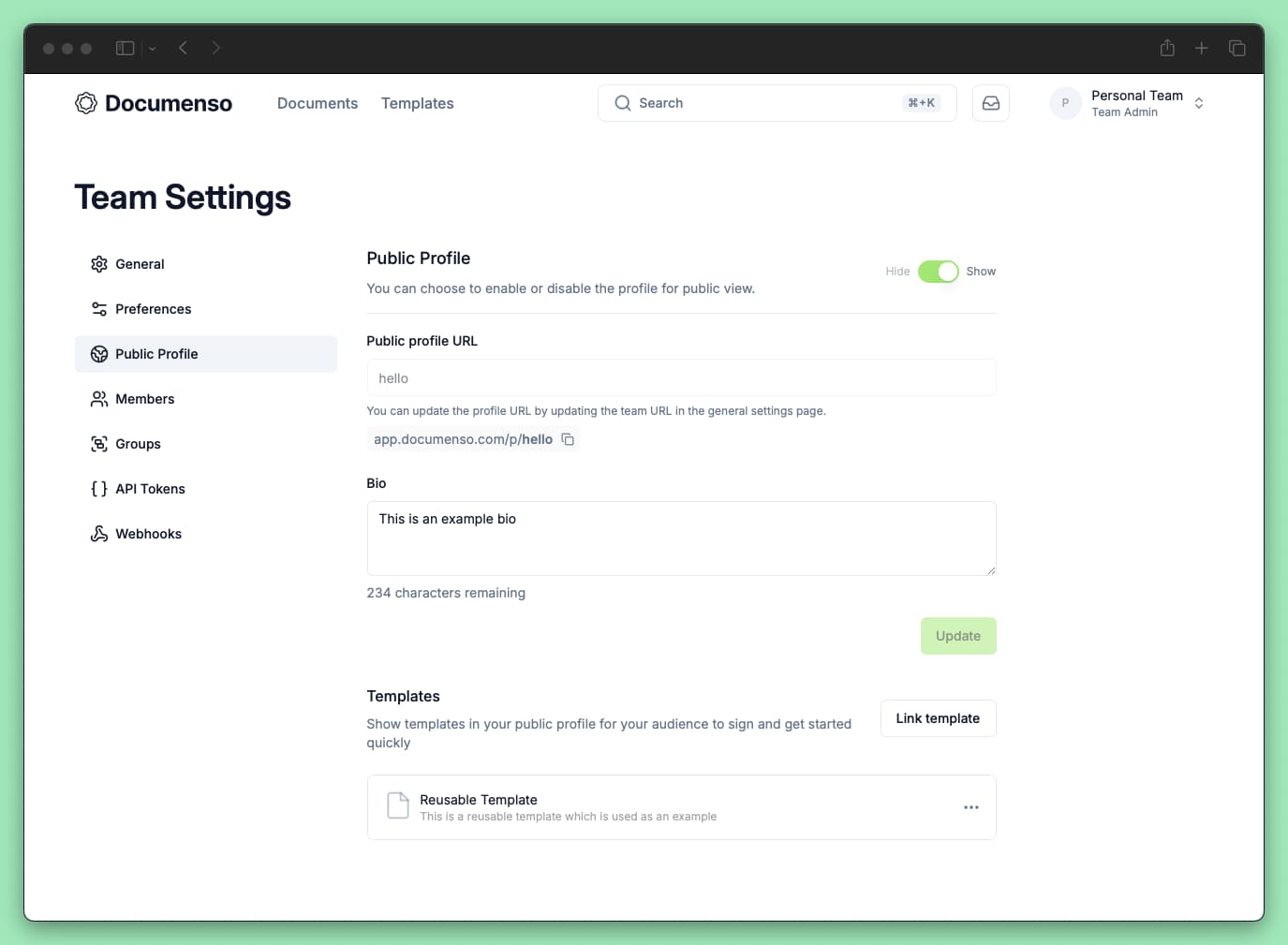
Go to Settings > Public Profile.
Toggle Show/Hide to control profile visibility.
Set your Public profile URL (personal accounts only) and add a Bio if desired.
Click Update to save.
Link Templates to Your Public Profile
Display templates on your public profile so visitors can sign documents directly:
Go to Settings > Public Profile.
Click Link template in the Templates section and select templates that have direct links enabled.
Linked templates will appear on your public profile page.
Only templates with direct links enabled can be added to your public profile. See Direct Links to learn more.
See Also
- Profile Settings - Update your name, email, and signature
- Direct Links - Share signing links without email invitations