Create an Account
Sign up for Documenso and configure your profile.
Choose a Plan
Documenso offers four plans:
| Plan | Best for |
|---|---|
| Free | Trying out document signing (limited features) |
| Individual | Solo professionals |
| Teams | Small to medium teams needing collaboration |
| Platform | Organizations requiring API access and volume |
See the pricing page for feature details and limits.
All plans are subject to the Fair Use Policy.
Sign Up
Go to the registration page
Navigate to documen.so/free to create a free account. To start with a paid plan, visit the pricing page and select your plan.
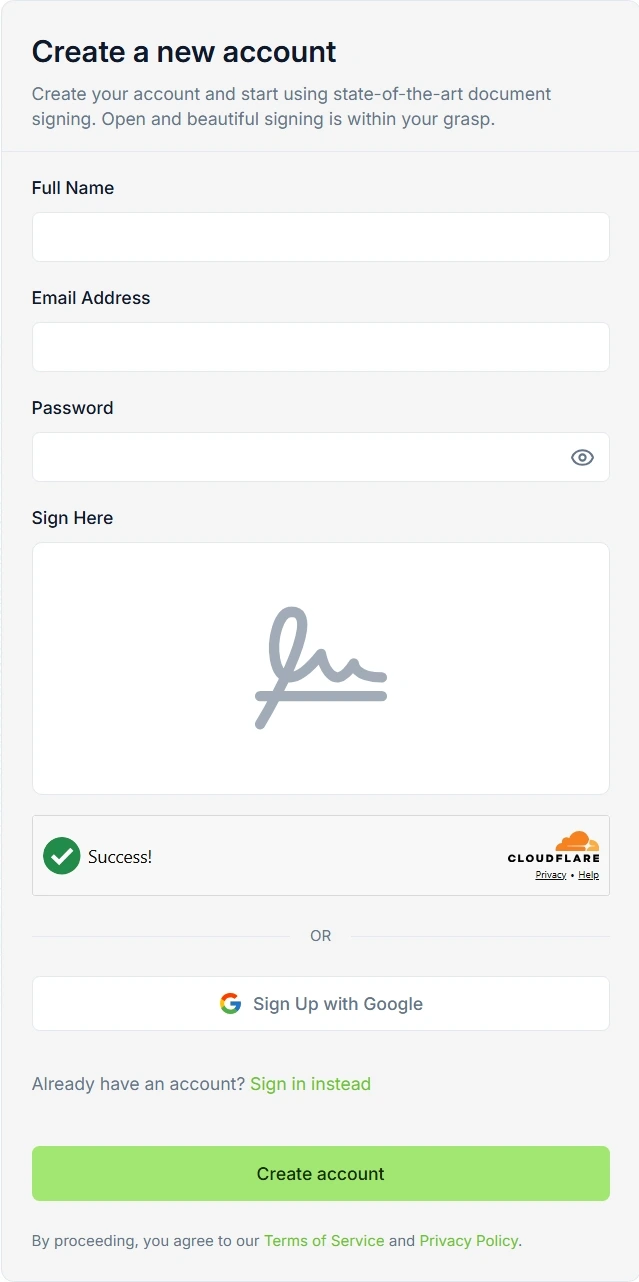
Enter your details
Provide your name, email address, and create a password. Alternatively, sign up with Google for faster access.
Verify your email
Check your inbox for a verification email and click the confirmation link. The email is sent from noreply@documenso.com.
If you don't see the email, check your spam folder.
Unlock More Features
For custom branding, team collaboration, API access, and other advanced features, you'll need a paid plan. Explore the pricing page and choose the plan that fits your needs.
Secure Your Account
After signing up, secure your account with additional authentication methods.
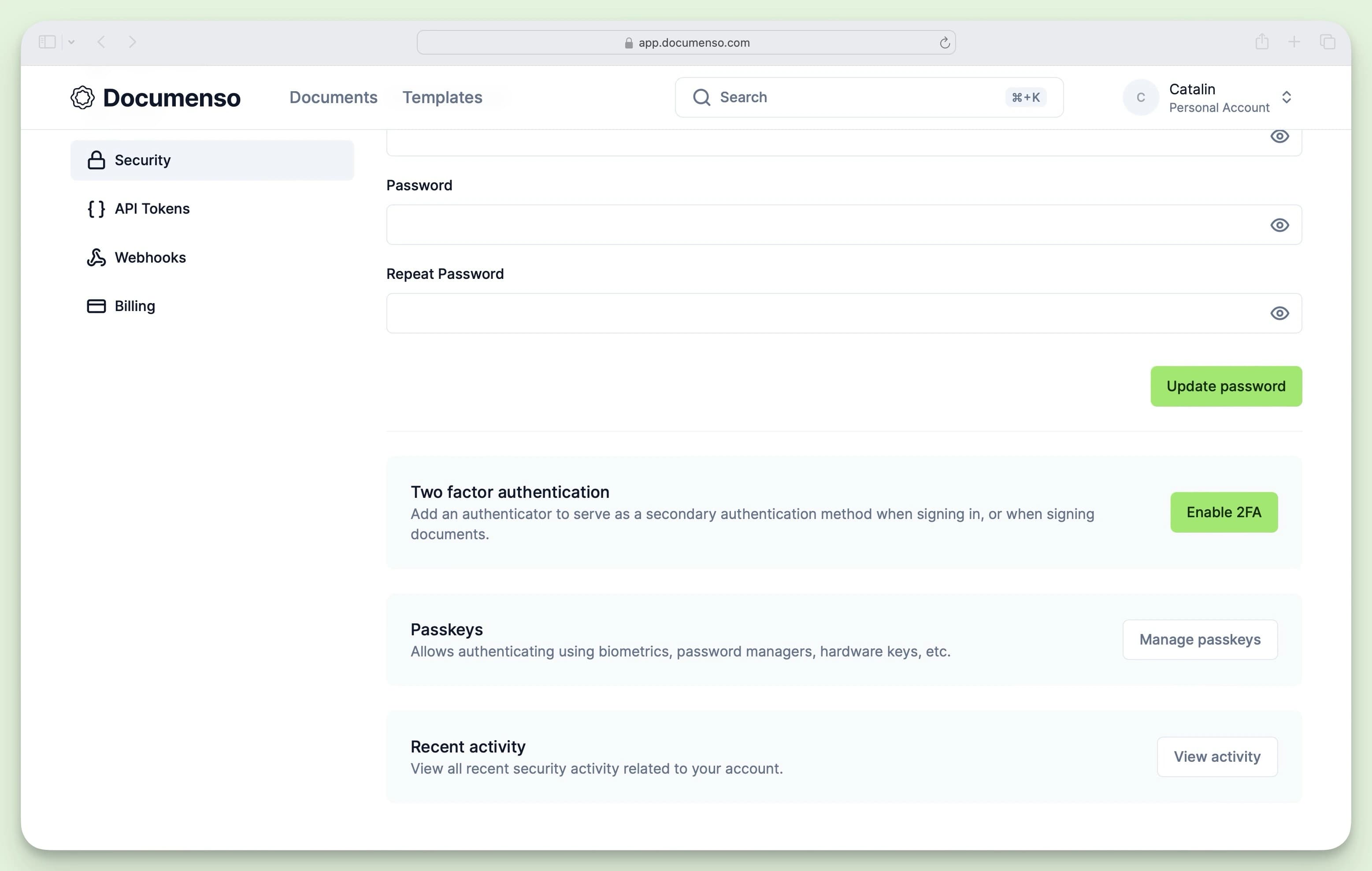
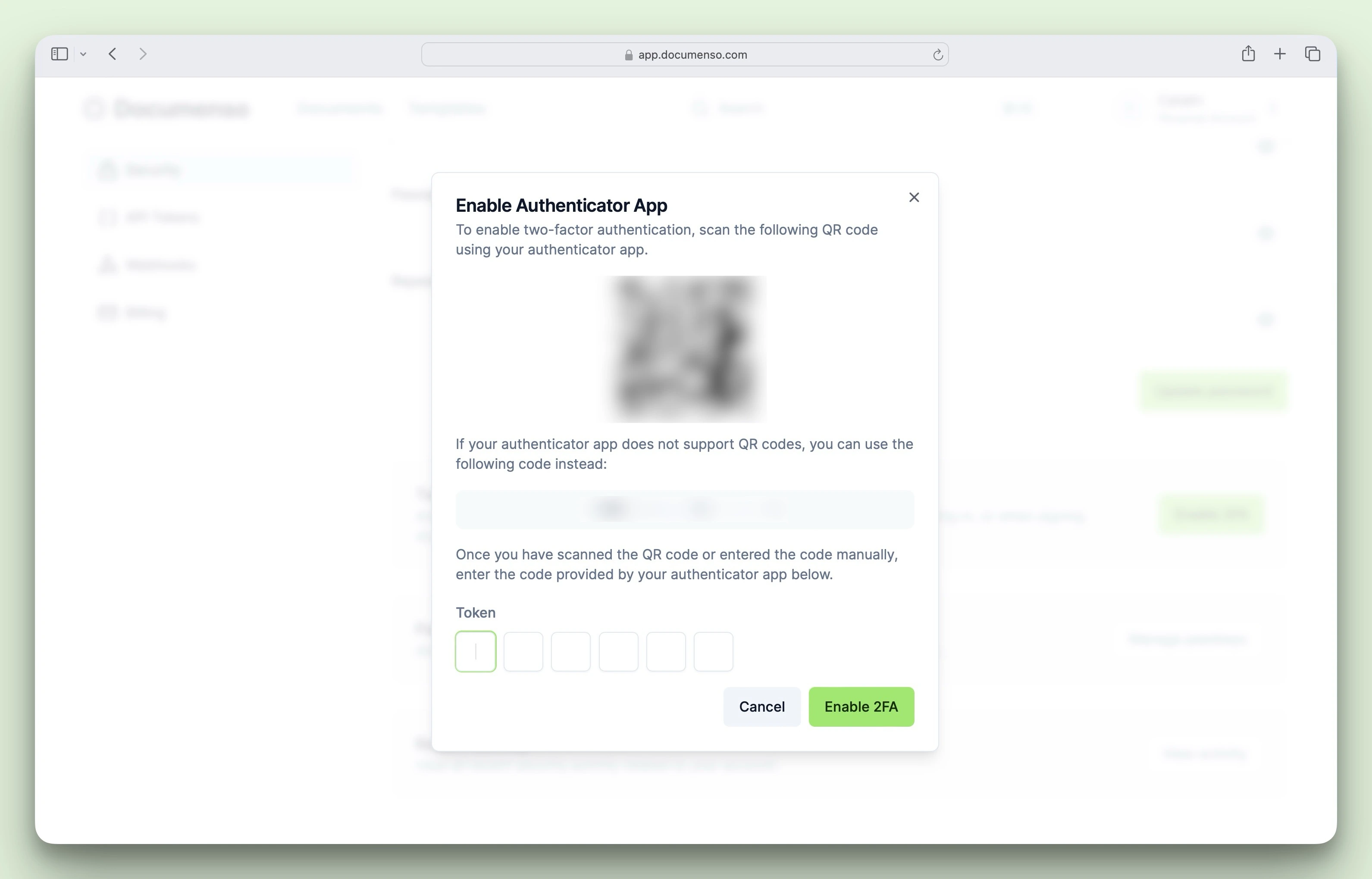
Enable two-factor authentication
Click the option to enable two-factor authentication and follow the setup wizard.
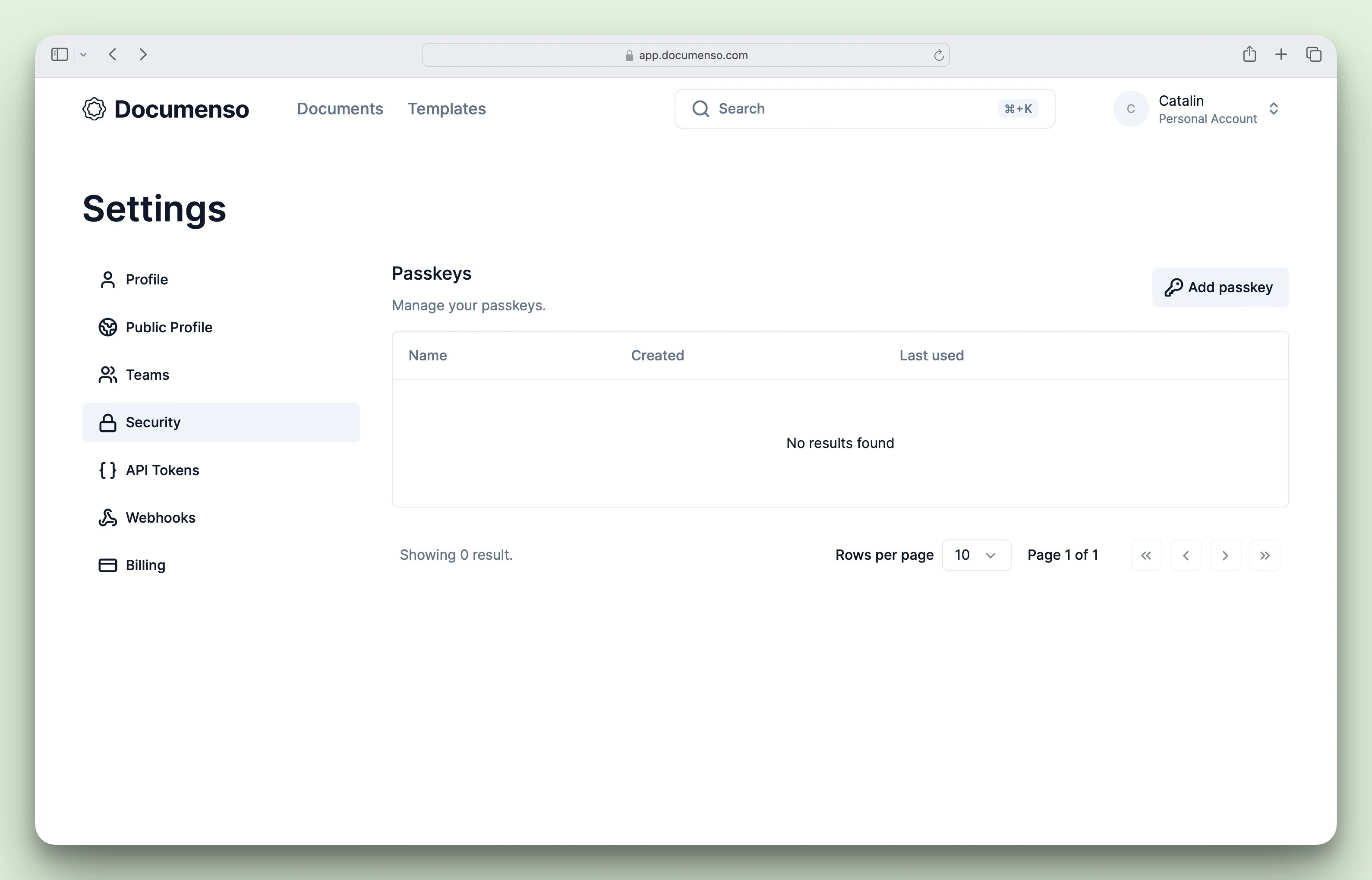
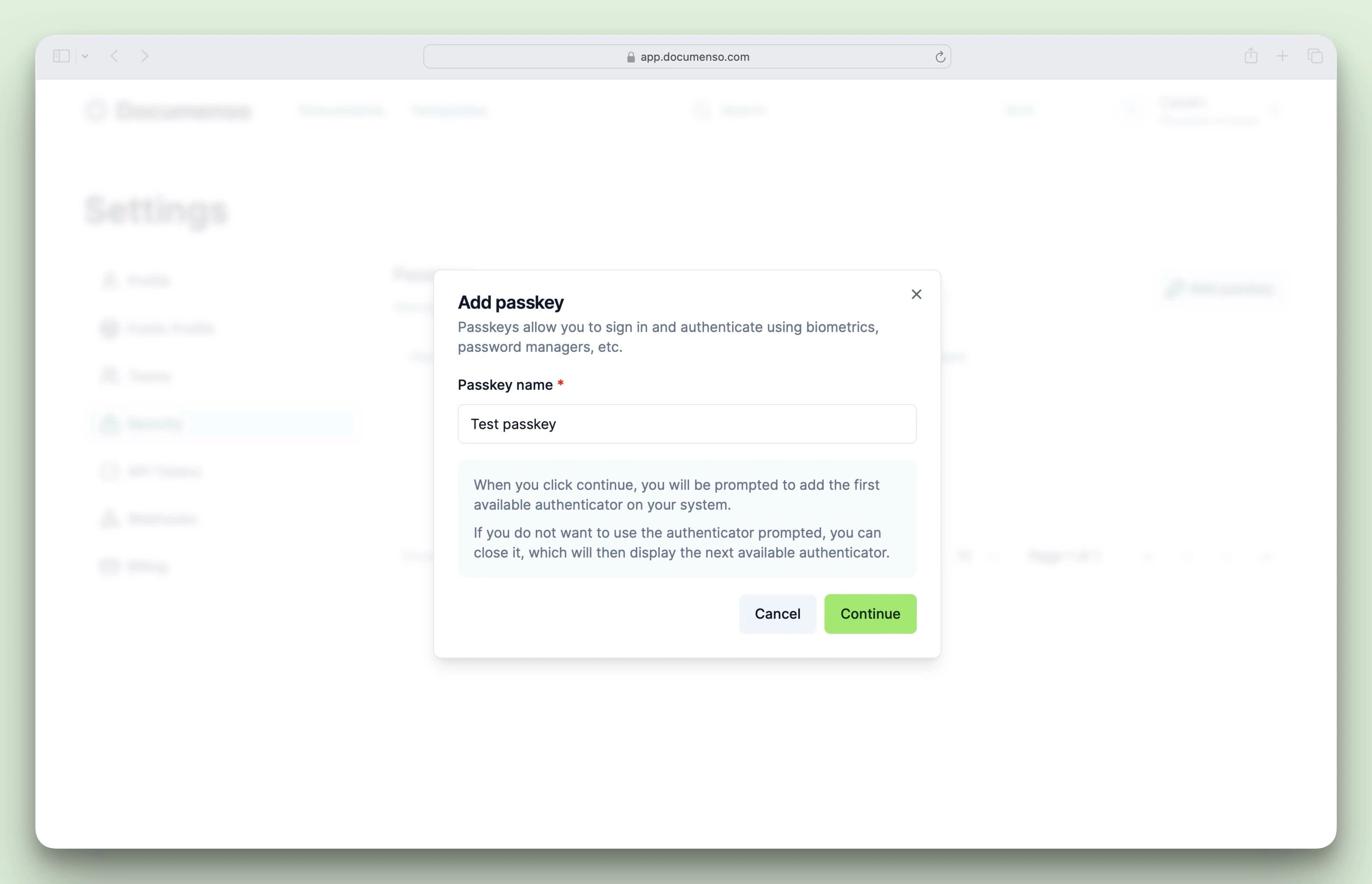
Go to Passkeys settings
Passkeys provide passwordless authentication using your device's biometrics or security key. Go to Settings > Security to manage passkeys.
See Also
- Send Your First Document - Upload a PDF and collect signatures
- Profile Settings - Update your name and configure your public profile
- Security Settings - Enable two-factor authentication